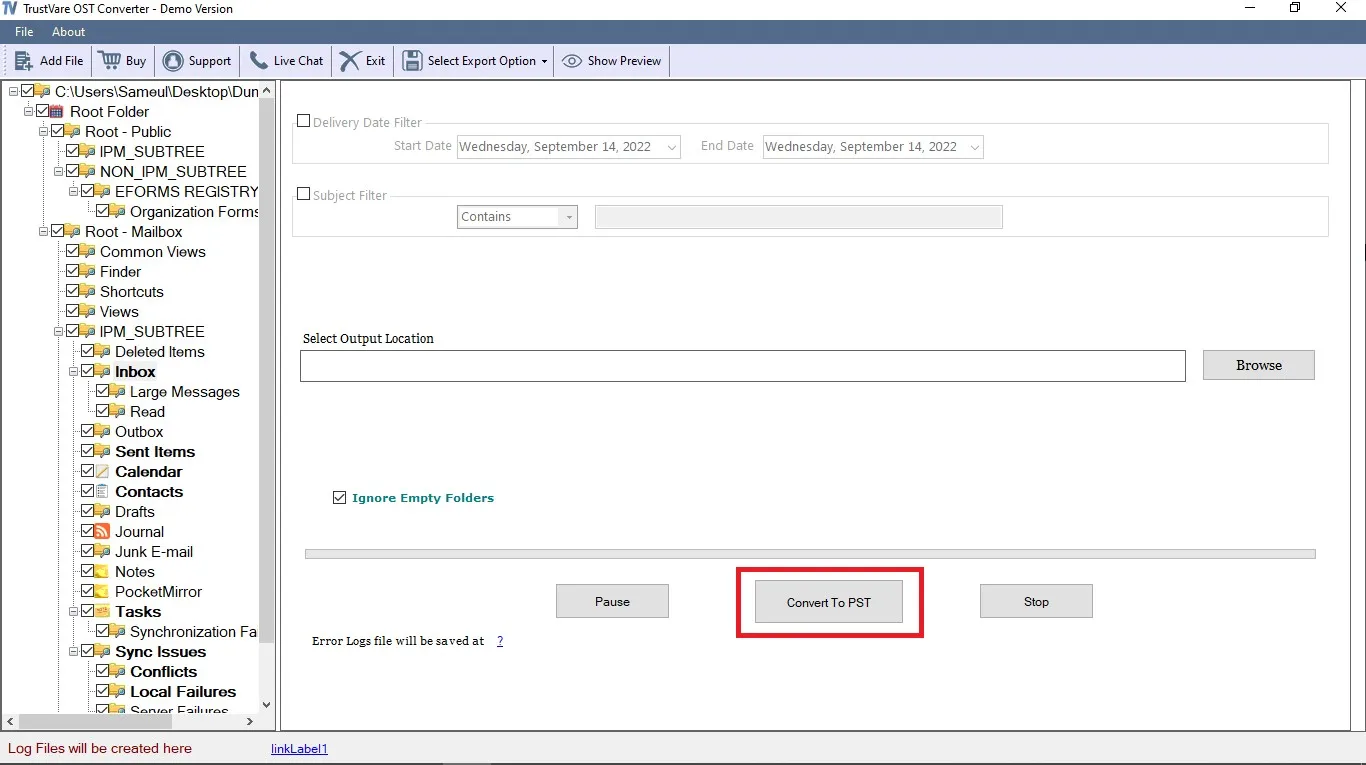
- Download and OST Converter the application on your Windows PC.
- Launch the OST Converter with double click on the software icon.
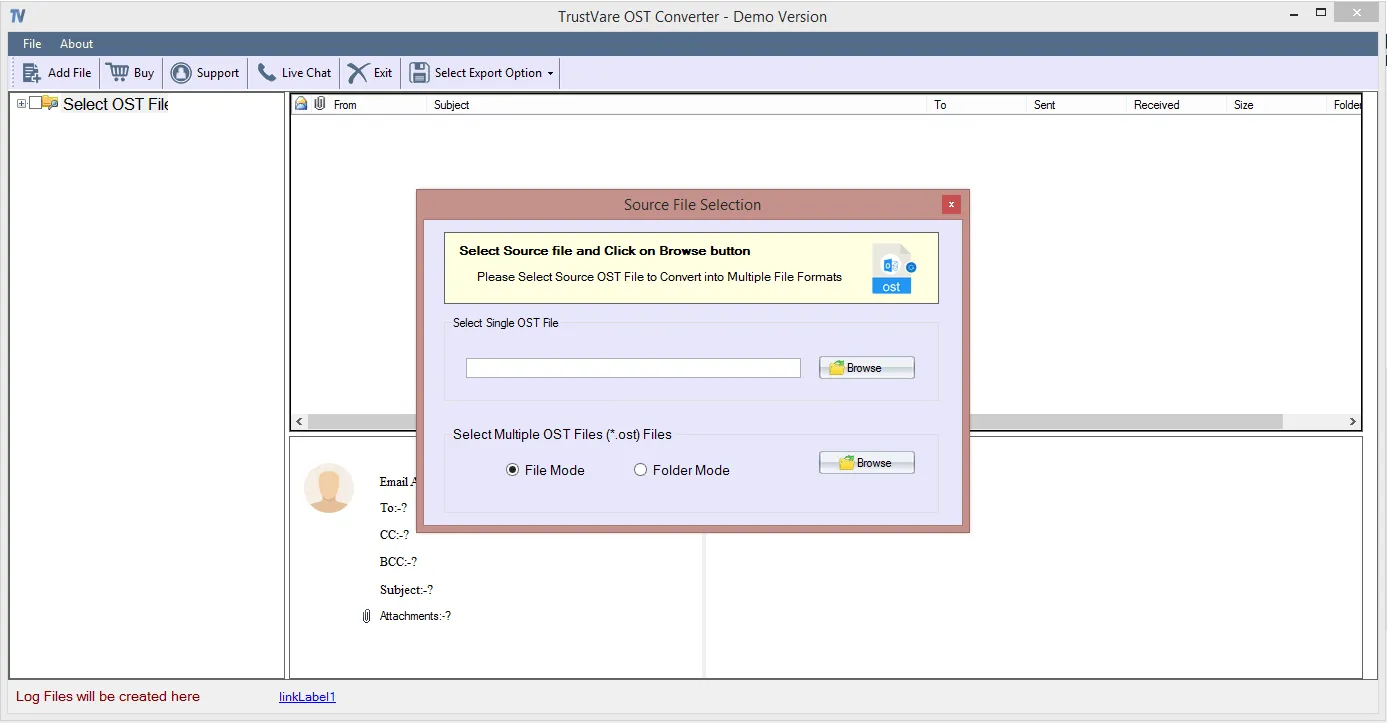
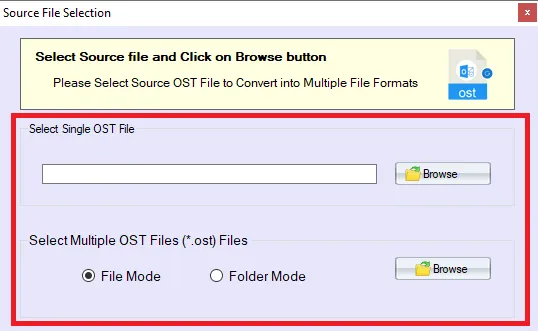
- You can import OST file through Folder Mode or File Mode. Or you can select a single saperately.
- Select OST file,click on the Browse button to locate the from your local storage.
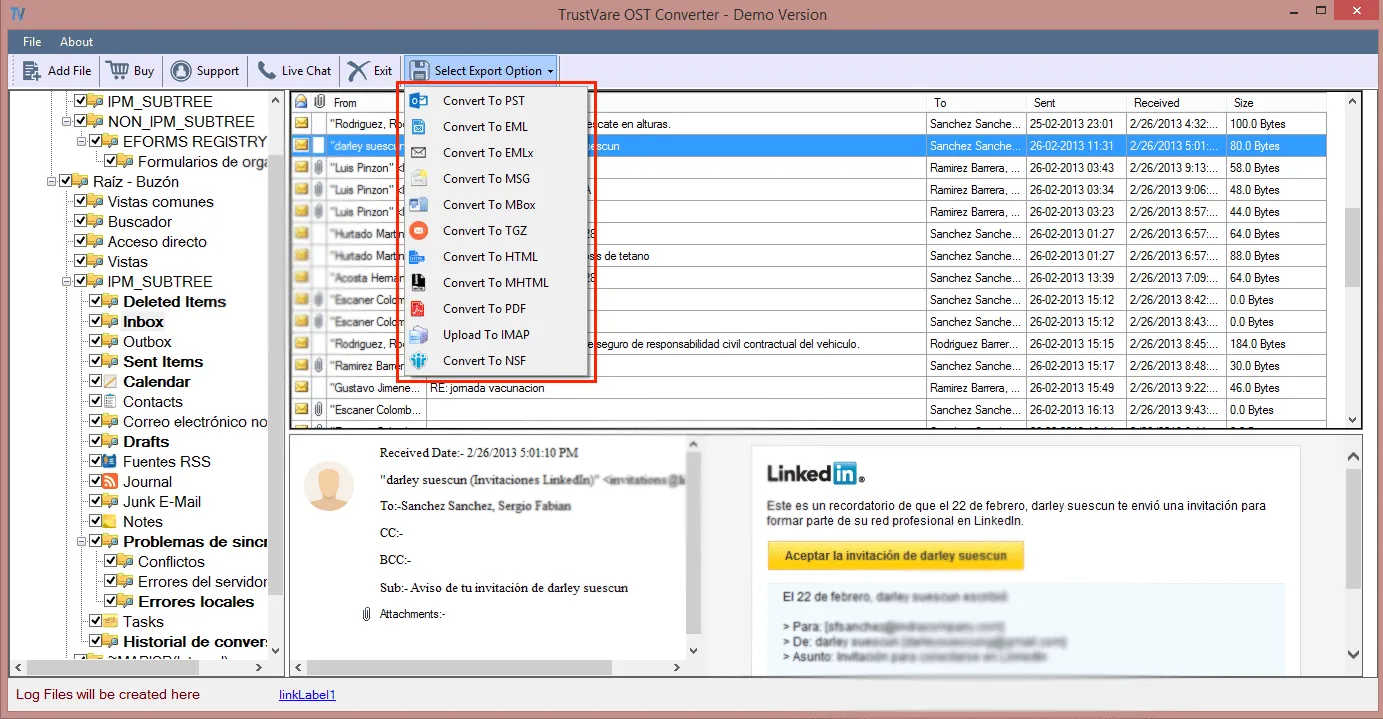
- After importing,you will get a preview of data inside the file like below
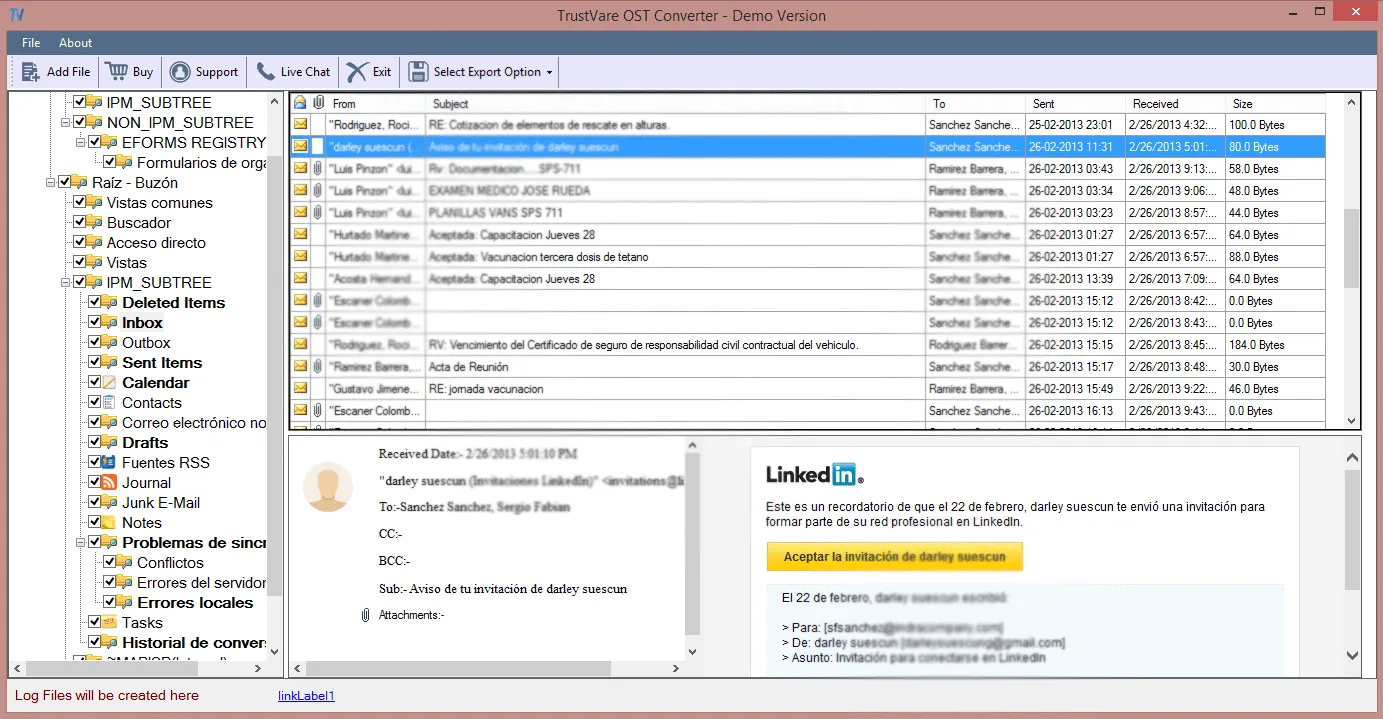
- After checking the files,click on Select export options and you will see multiple format options to convert the file. Formats like- Convert to PST,TGZ,EML,EMLX,MSG,MBOX,HTML,MHTML,PDF,and other formats.
- You can filter data according to Delivery date and according to subjects.
- After that,set a location for the output file.
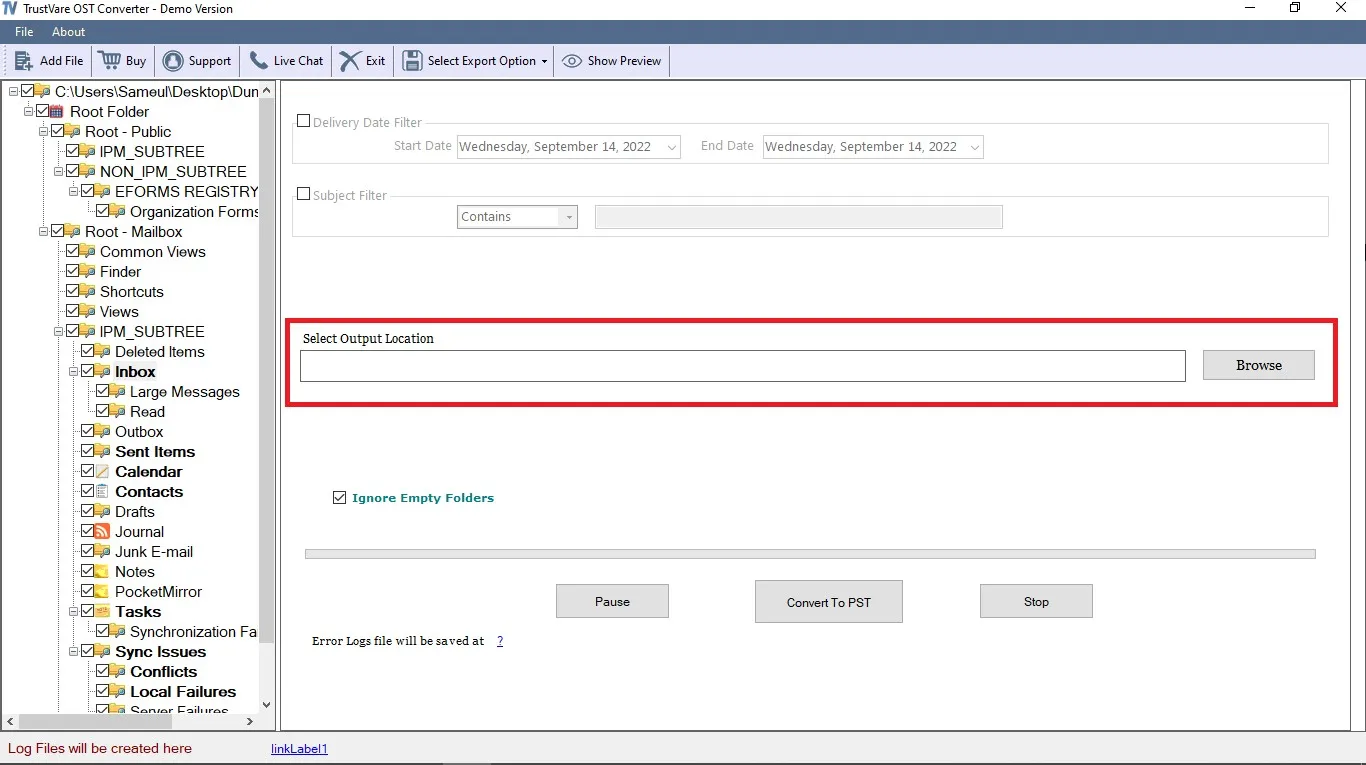
- After completing all the steps above,click on the Convert Now button.